One line
Markify is a free, native Mac app to read, write and review Markdown documents, from notes and READMEs to coding-agent plans and reports.
For writers, reviewers & curators
A few words and the real app visuals for your next article, review or app listing.
In a few words
Use these descriptions as a starting point for your story.
Markify is a free, native Mac app to read, write and review Markdown documents, from notes and READMEs to coding-agent plans and reports.
Markify is a free, native Markdown editor for macOS 15.6. Read and write docs, notes and coding-agent reports as rendered documents. Browse GitHub and GitLab docs, keep files in one library, and share with HTML or PDF export. Your files stay plain Markdown.
Markify is a free, native Markdown editor for macOS 15.6, built as a home for READMEs, notes, plans, specs and coding-agent reports. Read, write and review a rendered document while keeping the file as plain Markdown. Open files from HTTPS links or browse GitHub and GitLab documentation without cloning. A library keeps your folder’s Markdown files close at hand.
Claude Code, Codex and OpenCode can send reports straight into Markify. Built-in Open Knowledge Format support lets you read and validate knowledge bundles for agents. Tables, task lists, code, math and Mermaid diagrams render in place; HTML and PDF export make sharing easy. Quick Look renders Markdown in Finder, and Apple Intelligence tools run on your Mac. Available for Apple silicon and Intel, with source on GitHub.
Open a Markdown file and work on a readable page. Markify brings headings, lists, links, images and tables into your document, keeps your notes together in a library, and exports HTML or PDF when it’s time to share. Your files stay ordinary Markdown, ready for other apps. Free to use, including at work, on macOS 15.6.
Built by Stéphane Paquet with SwiftUI and TextKit 2.
Logos & images
Download the original assets used on this website. Keep their proportions and use screenshots as shown when covering Markify.

The app icon for reviews, listings and other coverage.

The website’s vector logo, for layouts that need a scalable image.
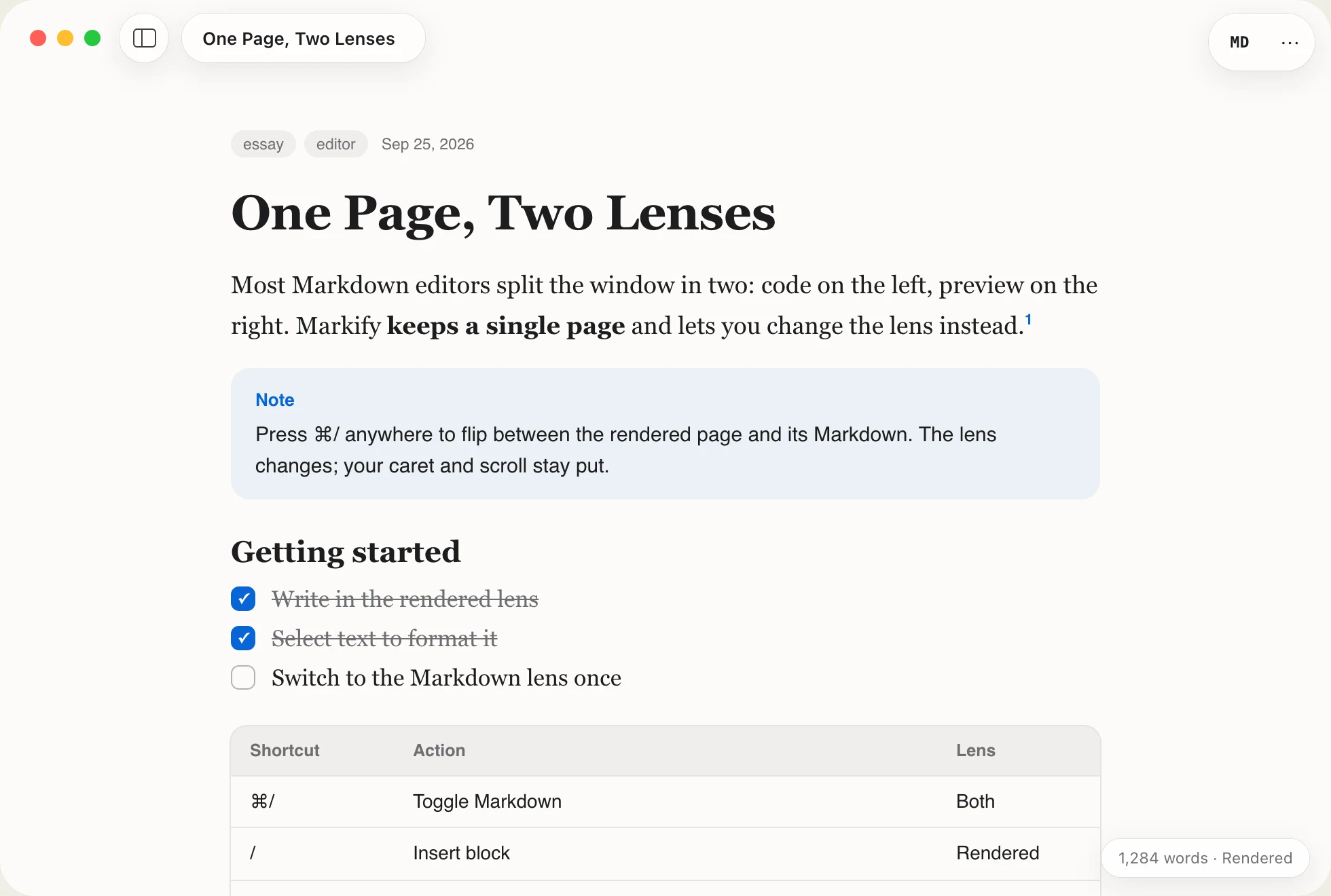
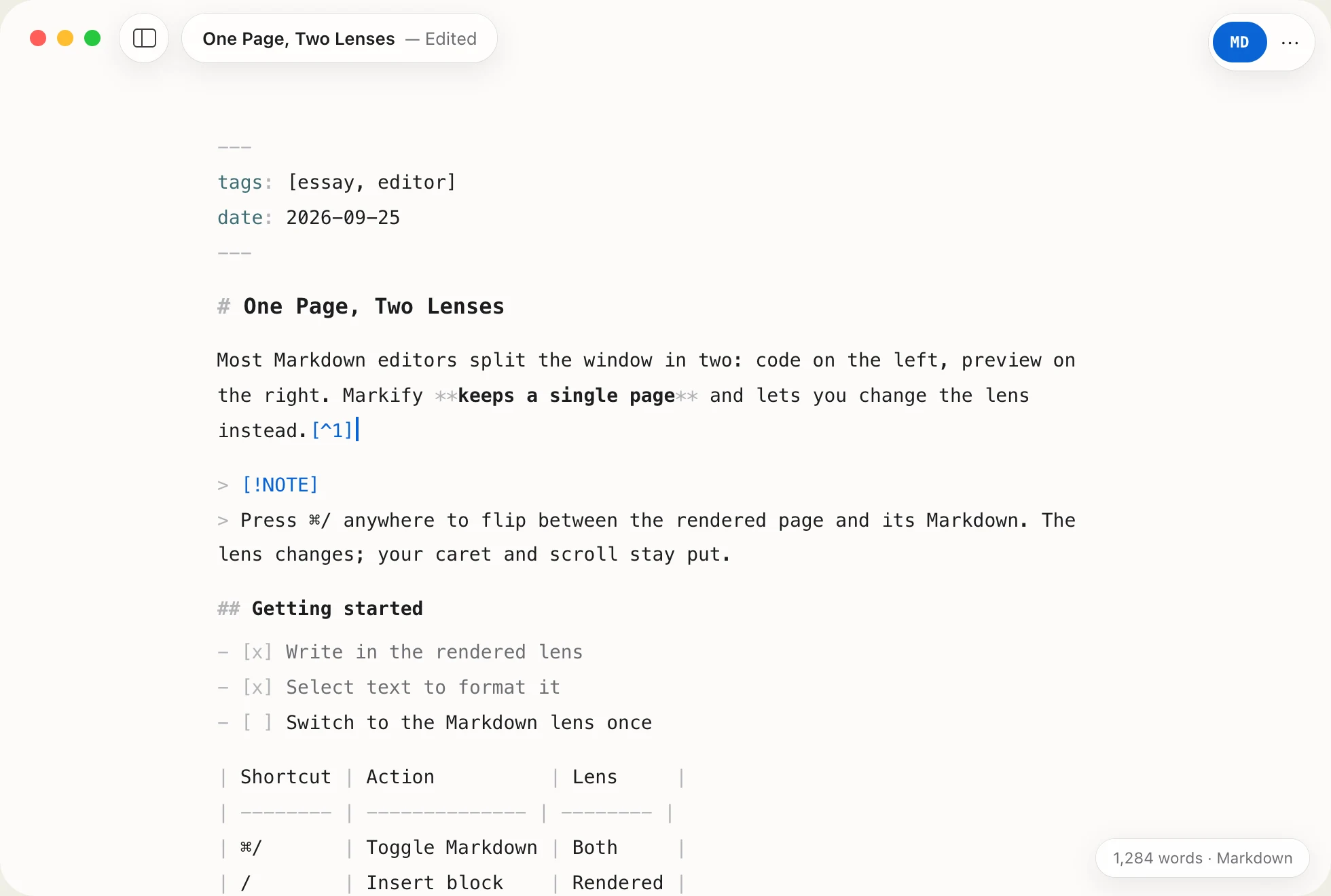
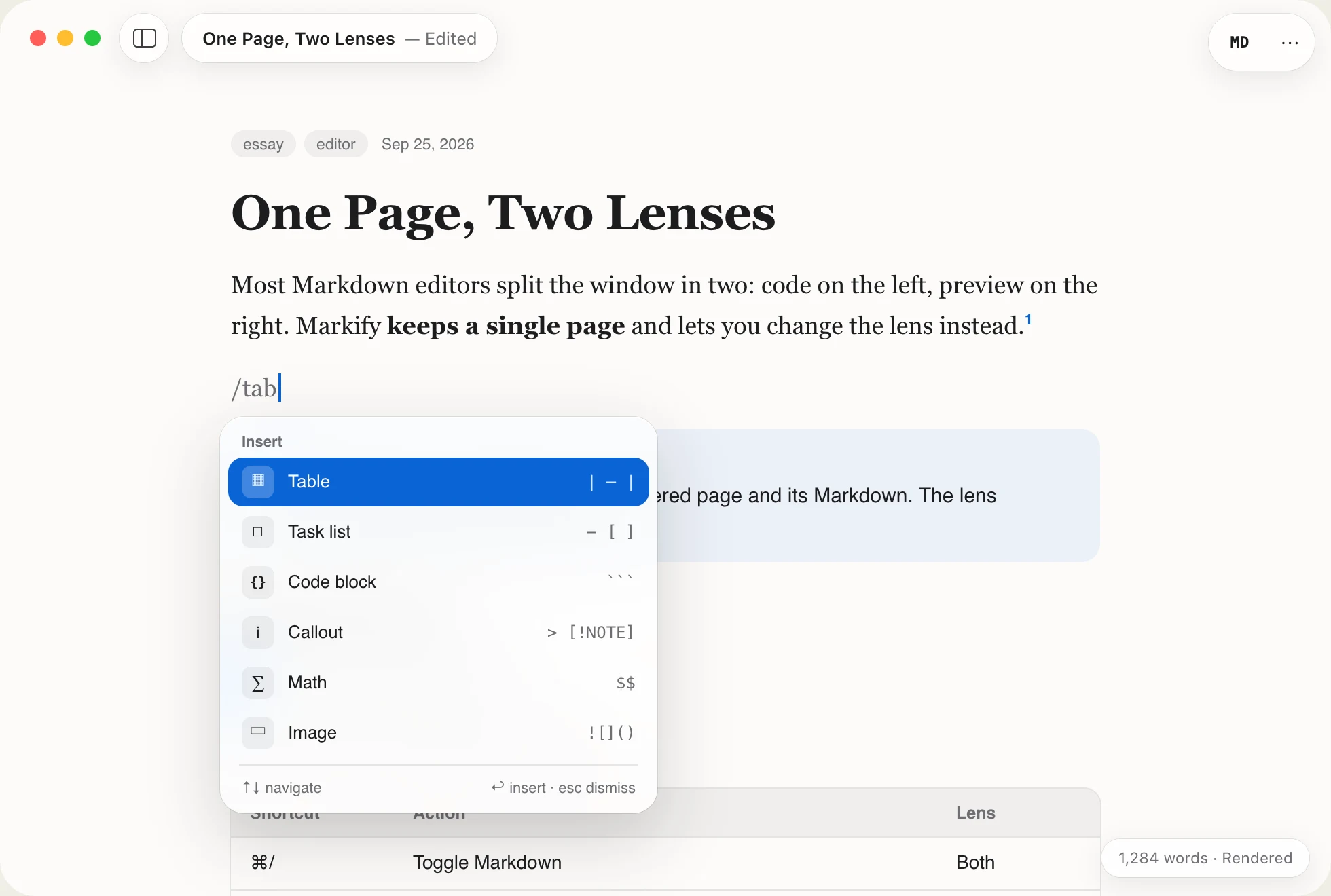
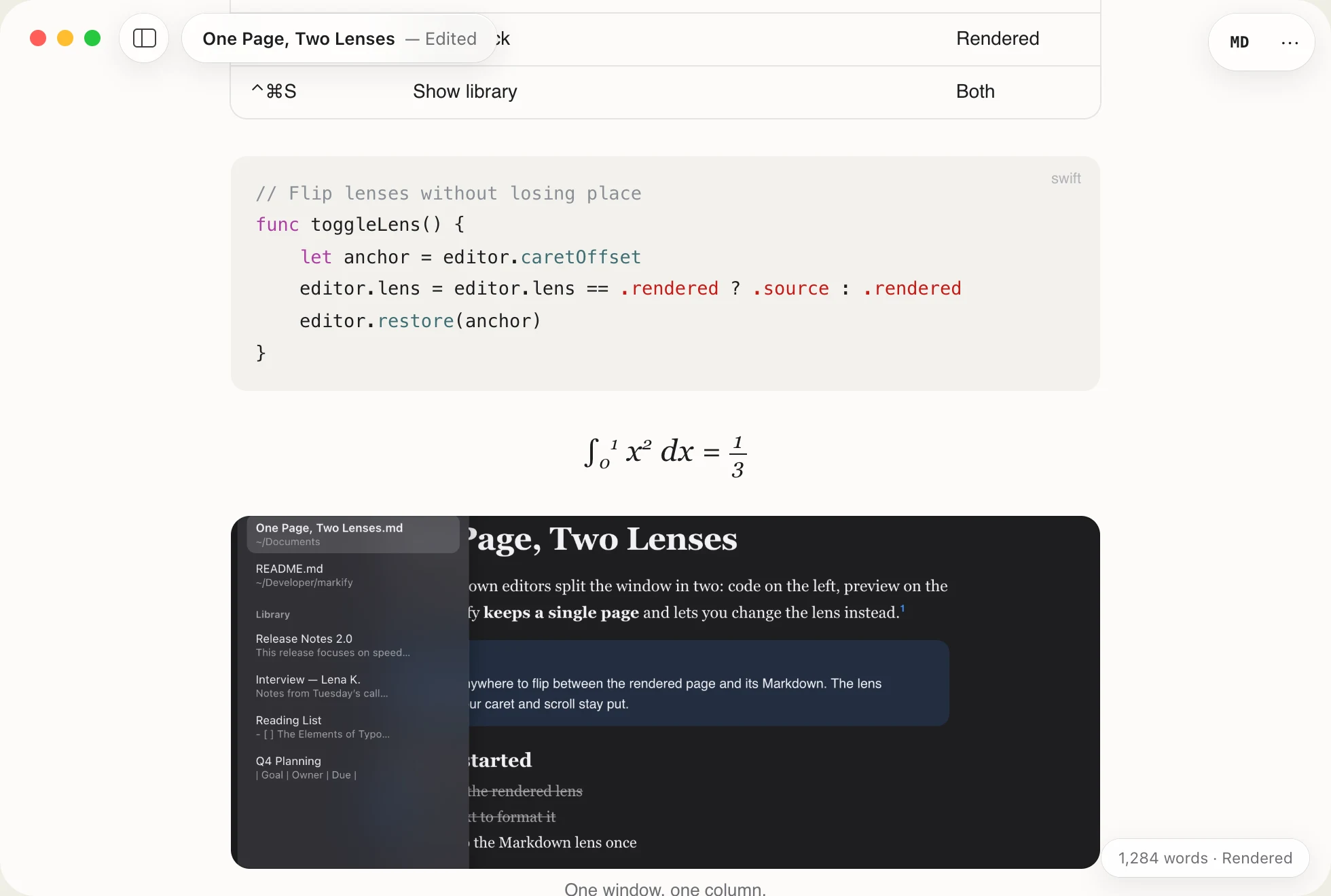
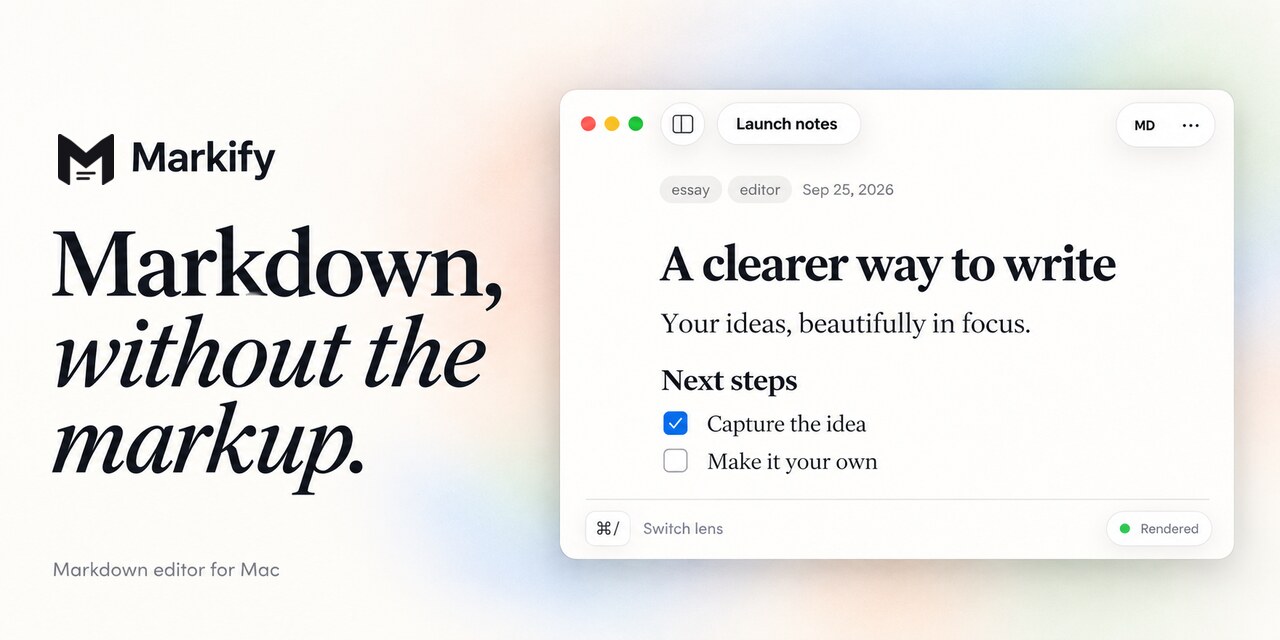
Browse the full set for the library, format bar, inspector and Apple Intelligence features.
At a glance