A page, not a preview.
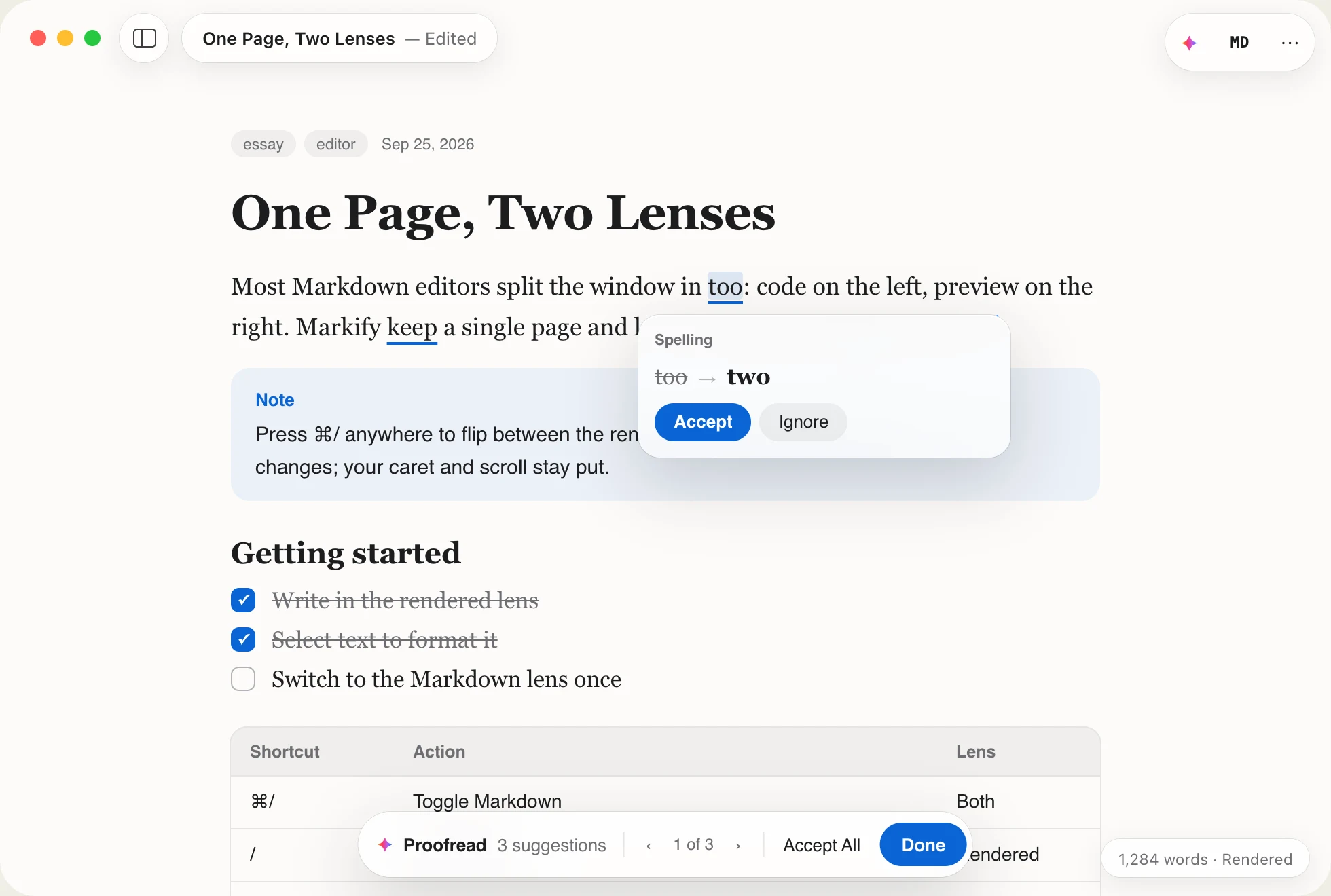
No split window, no second pane to keep in sync. Headings, tables, tasks, math and diagrams render where you type them, and the syntax steps out of the way.
Free · macOS 15.6 Sequoia · Have an Intel Mac? Download for Intel
Animation: Markdown typed into Markify renders in place. A heading, bold and italic text, two tasks and an equation appear, then ⌘/ shows the same text as Markdown.
Made for READMEslecture notesresearch papersblog postsagent reportsknowledge bases
Works with the files you already have
Why Markify
Other editors make you choose: read raw syntax all day, or hand your words to an app that stores them its own way. Markify gives you both, without compromise.
No split window, no second pane to keep in sync. Headings, tables, tasks, math and diagrams render where you type them, and the syntax steps out of the way.
Every document is an ordinary .md file wherever you put it. Markify never converts or rewrites it, so Git diffs stay clean and every other tool reads exactly what you wrote.
SwiftUI and TextKit 2, Liquid Glass, autosave and versions. Math renders without a web view, and Apple Intelligence runs on your Mac, not on a server.
Two lenses
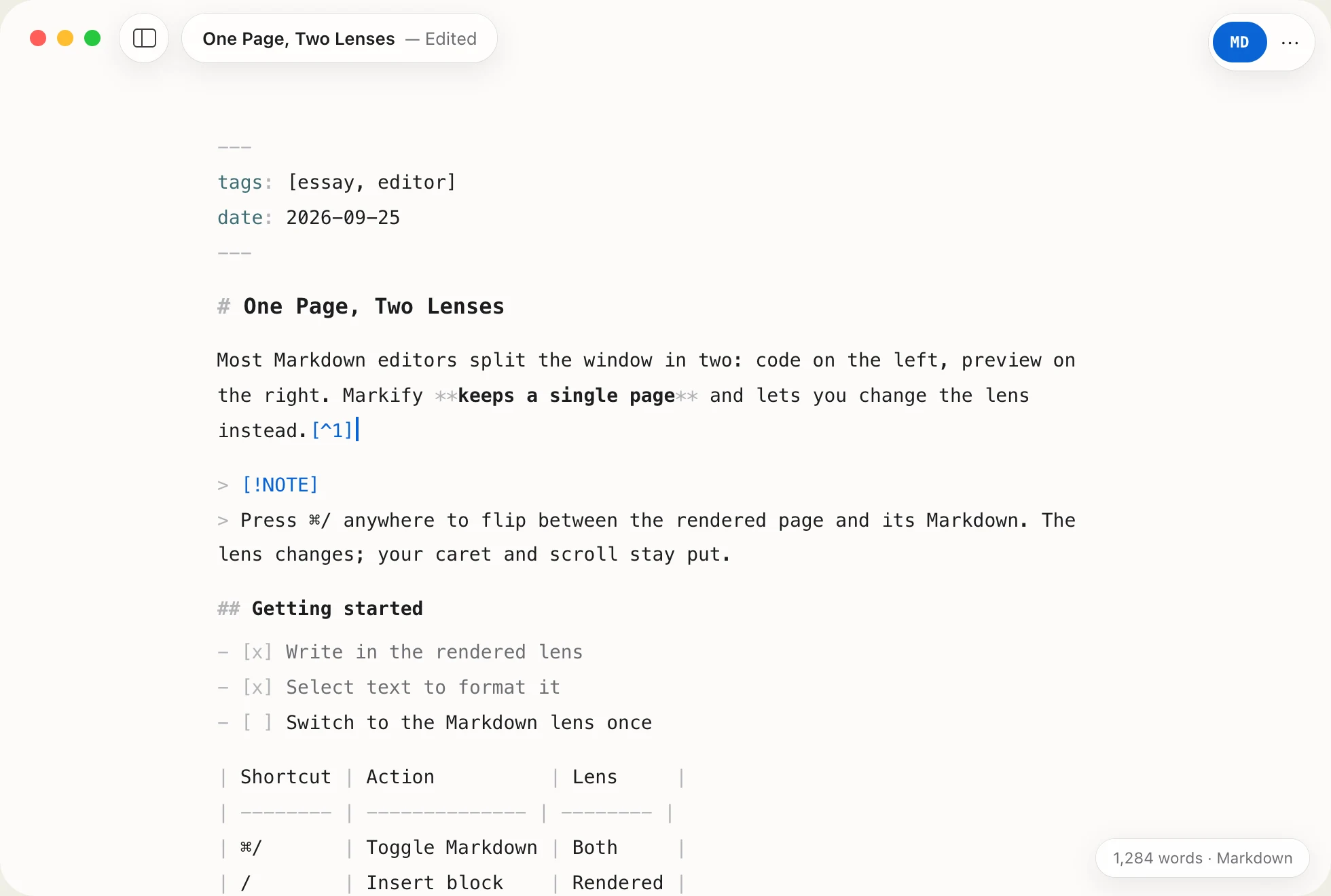
Press ⌘/ and the same page shows its Markdown, syntax dimmed. Nothing converts: your caret, selection, scroll position and undo history stay exactly where they were.
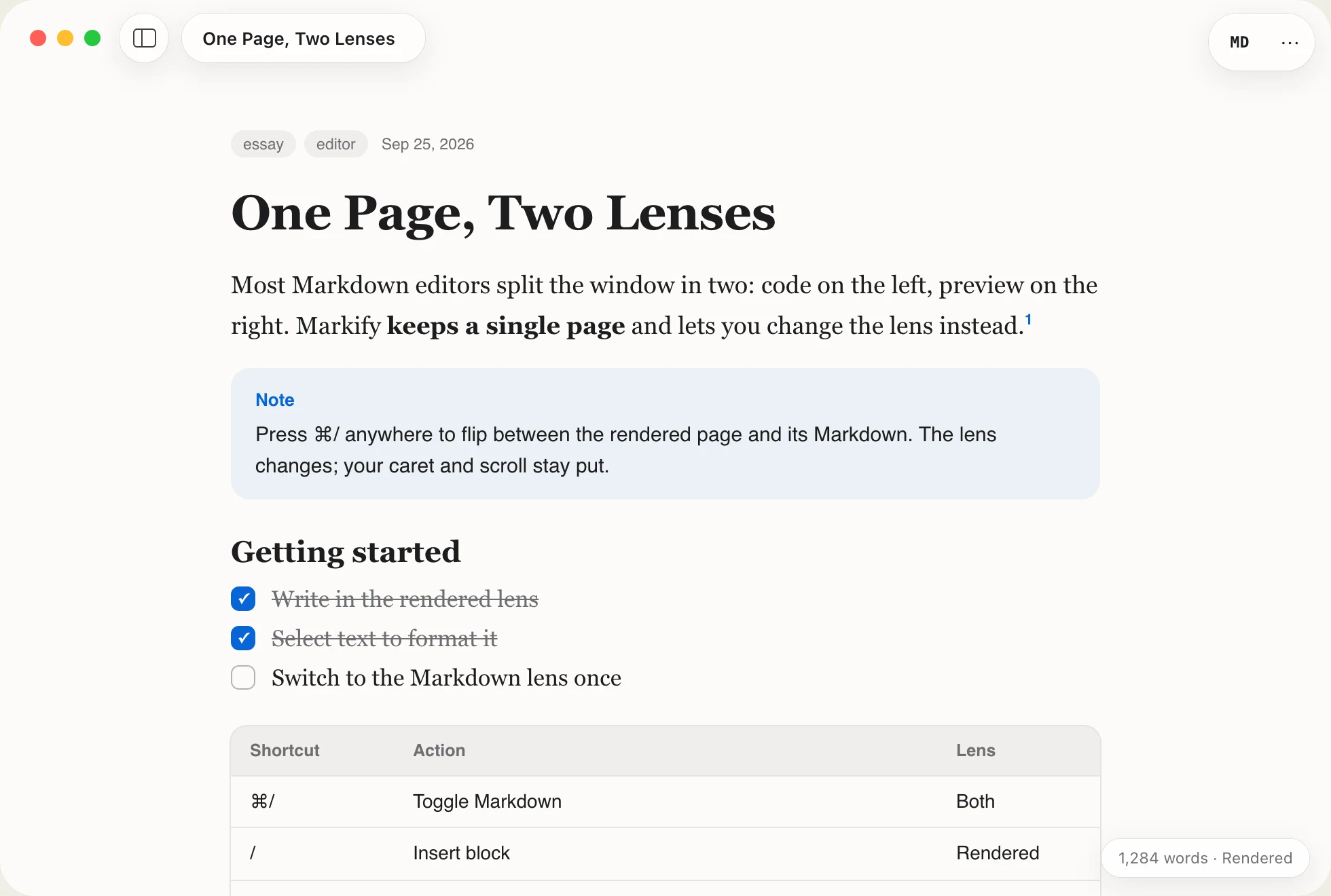 MarkdownRendered
Drag across the page, or press ⌘/ here to flip it.
Use cases
Markify adapts to the work, from a README in a busy repository to a thesis full of equations.
Developers
READMEs, design docs and changelogs stay in your repository as plain Markdown. Markify makes them pleasant to write and easy to check.
markify command and plugins for Claude Code, Codex and OpenCode open long answers on a real page.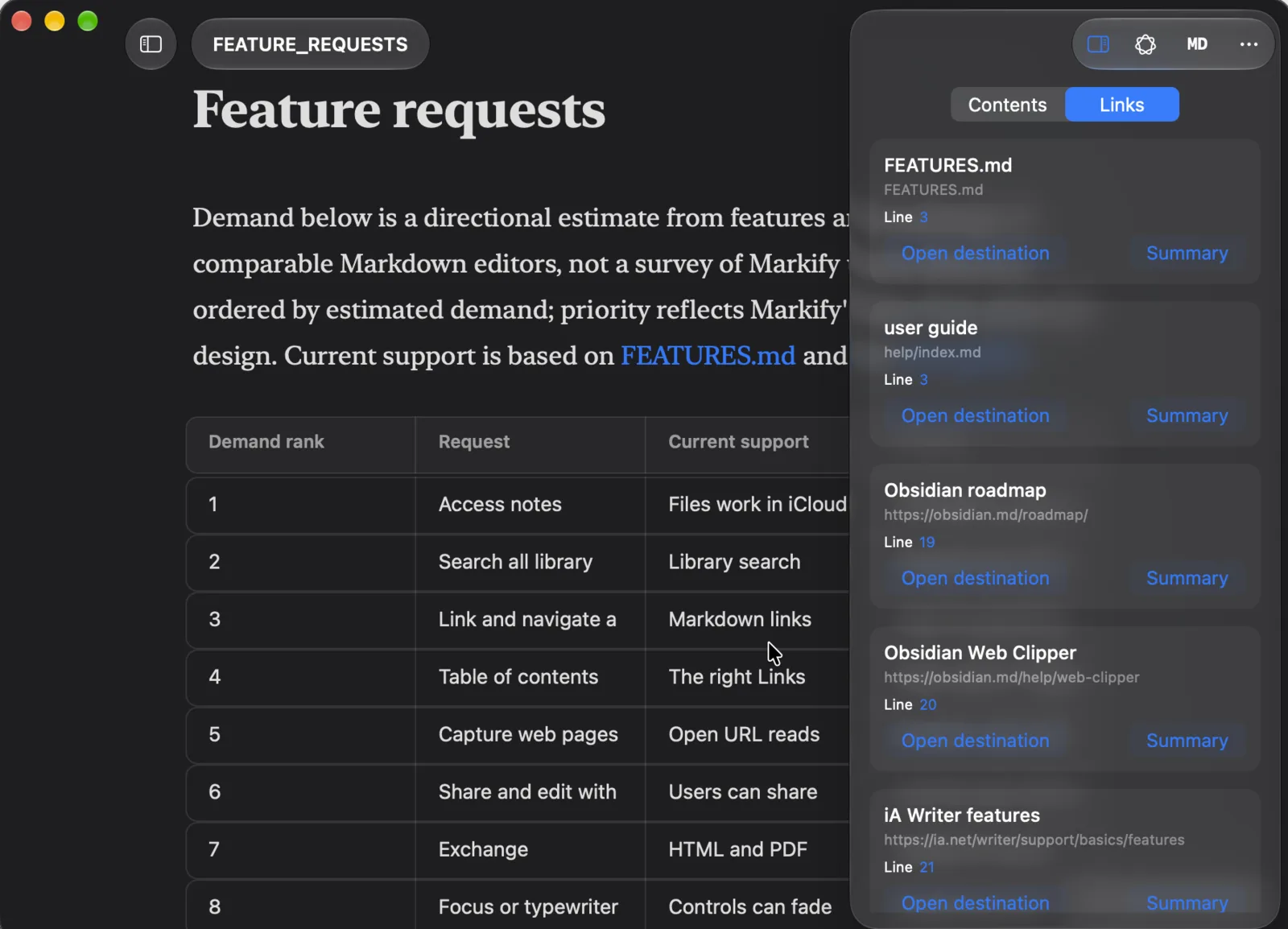
Students & researchers
Lecture notes, problem sets and papers with real math, in a file your supervisor, Pandoc or GitHub can open.
$…$ and display $$…$$ math, typeset on your Mac. Click a formula to edit it.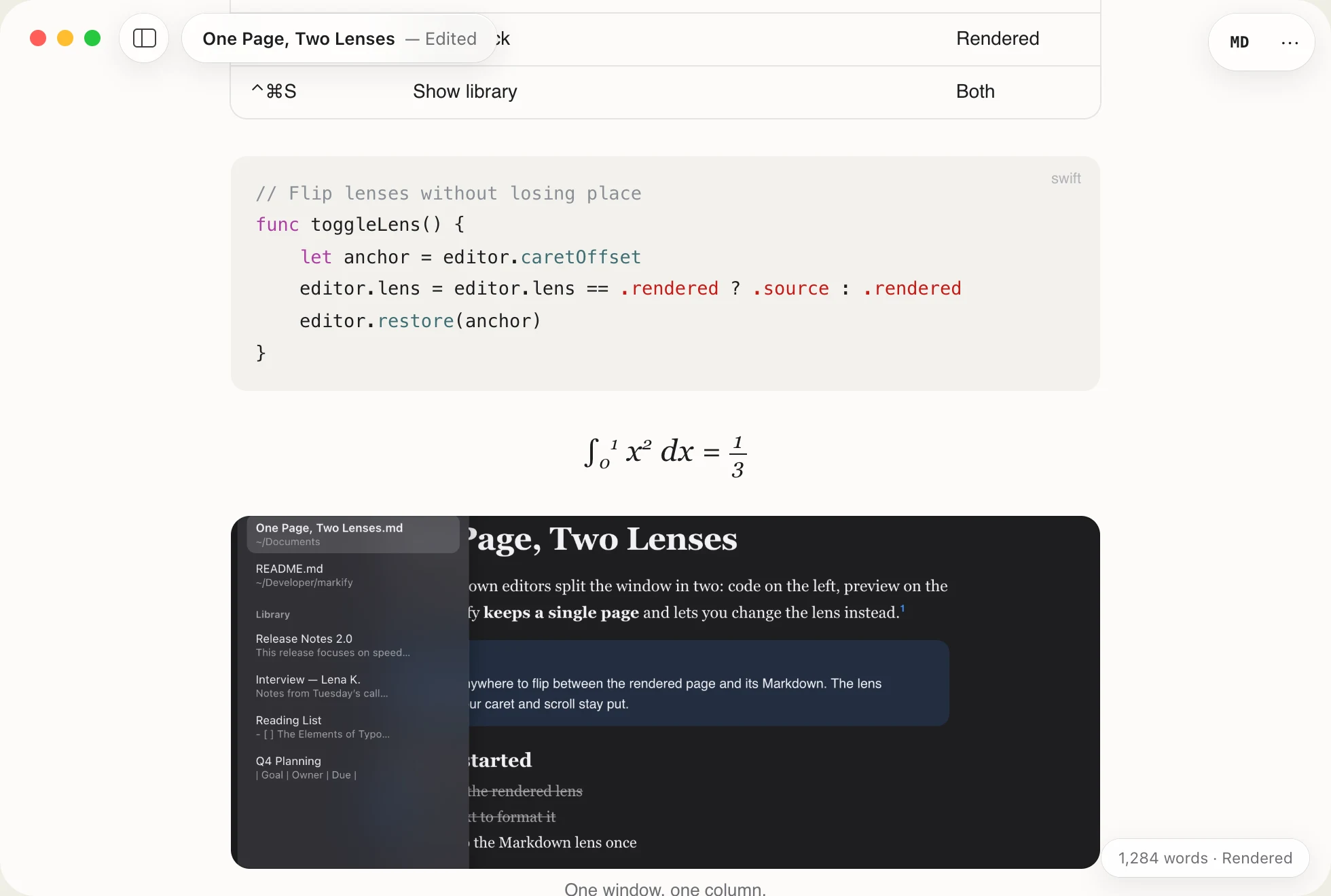
$$\int_0^1 x^2\,dx$$→∫01 x² dxWriters
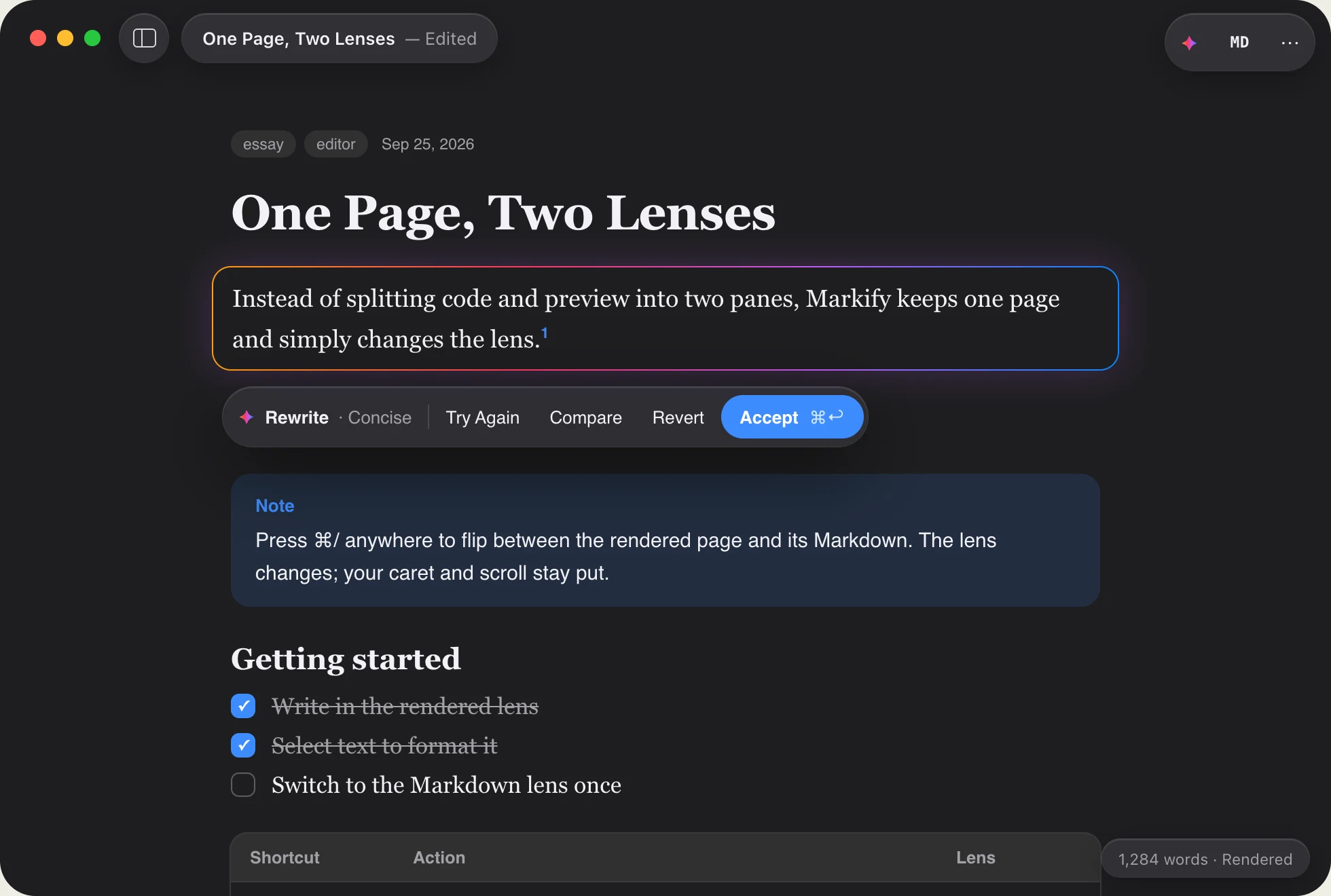
Essays, newsletters and blog posts in a serif that reads like print, with nothing between you and the sentence.
Note keepers
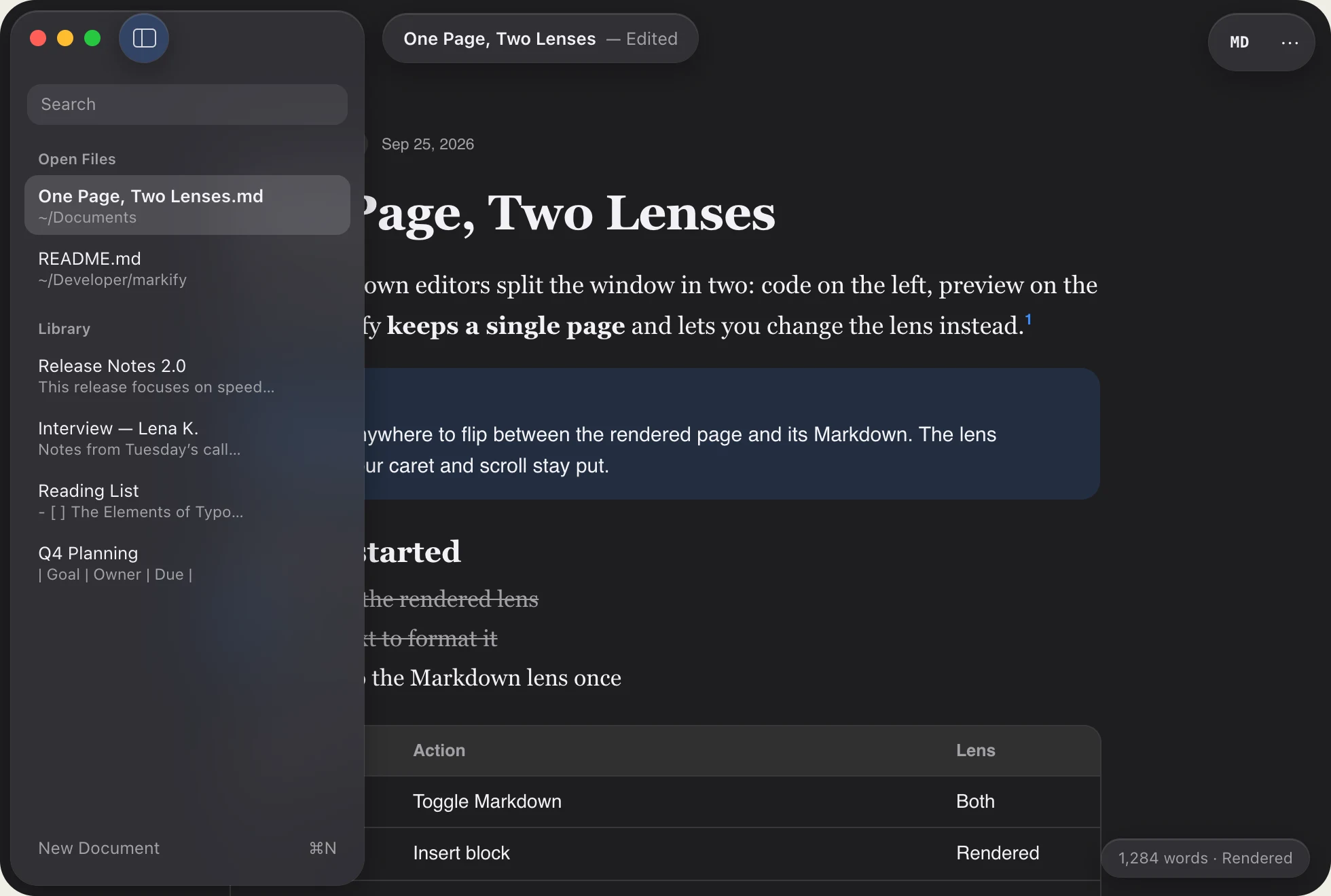
Point Markify at a folder of notes and keep working with it. No import, no database, no lock-in.
New in 2.0
Everything appears when you need it and slides away when you don’t. The page is always the interface.
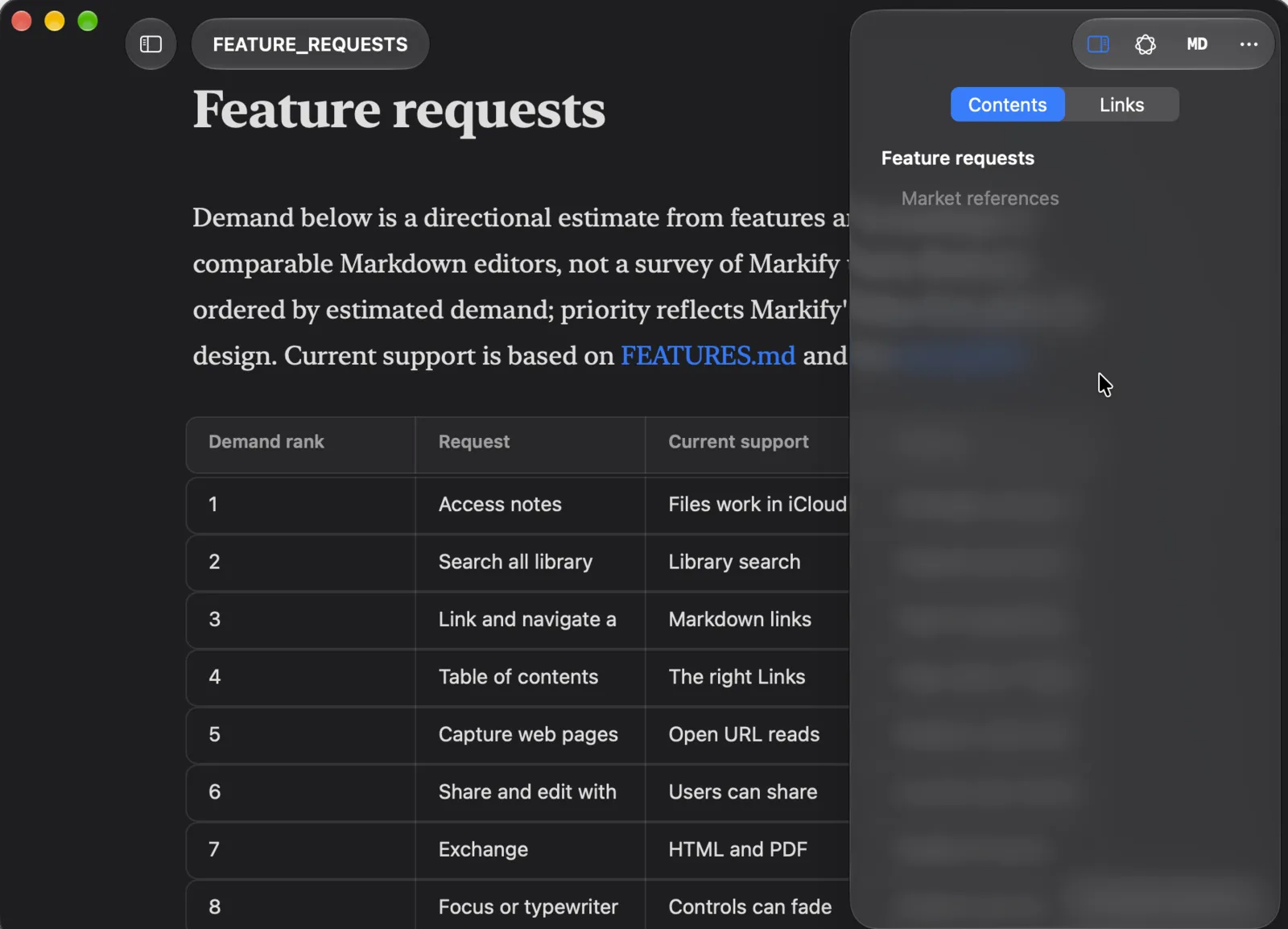
A glass pane with the document’s outline and every link it contains. Jump to a heading, open a destination, or ask for an on-device summary of a linked page.
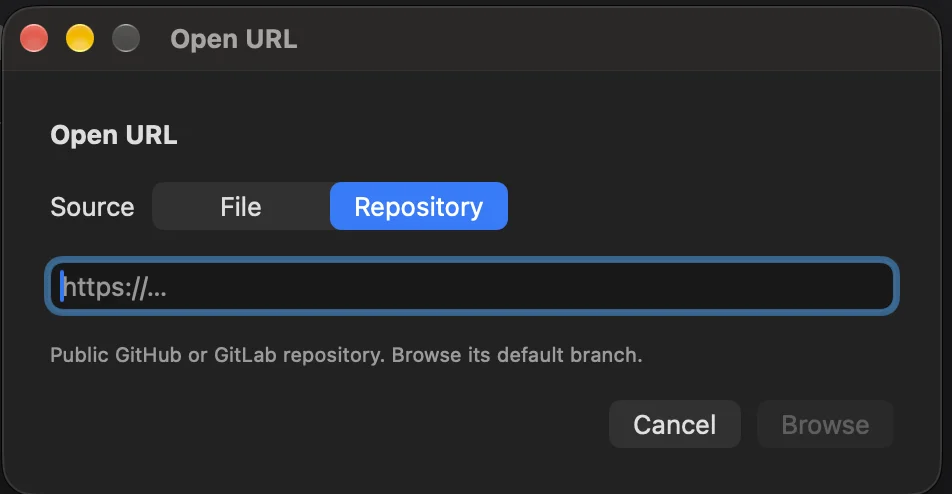
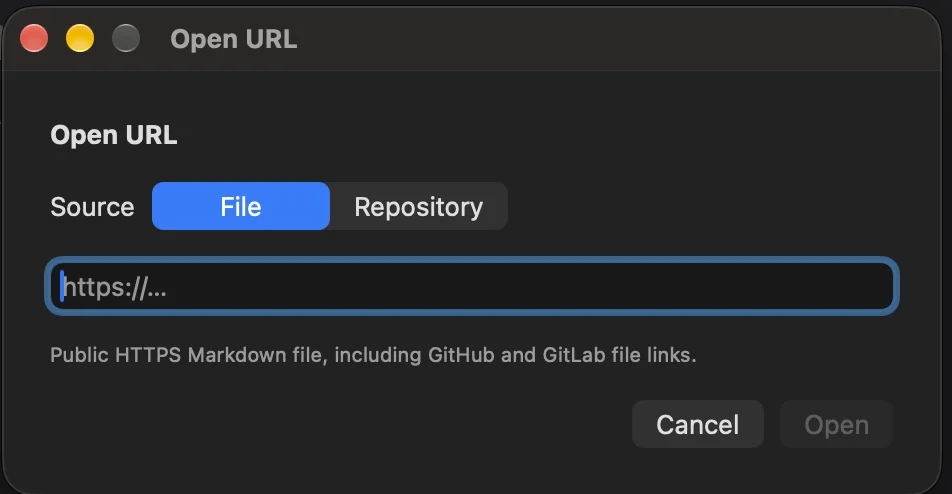
Any HTTPS Markdown file, or a whole GitHub or GitLab repository to browse. Files open as local copies; nothing is sent back.
Click a cell and type. Tab moves to the next one, and tabbing past the last adds a row.
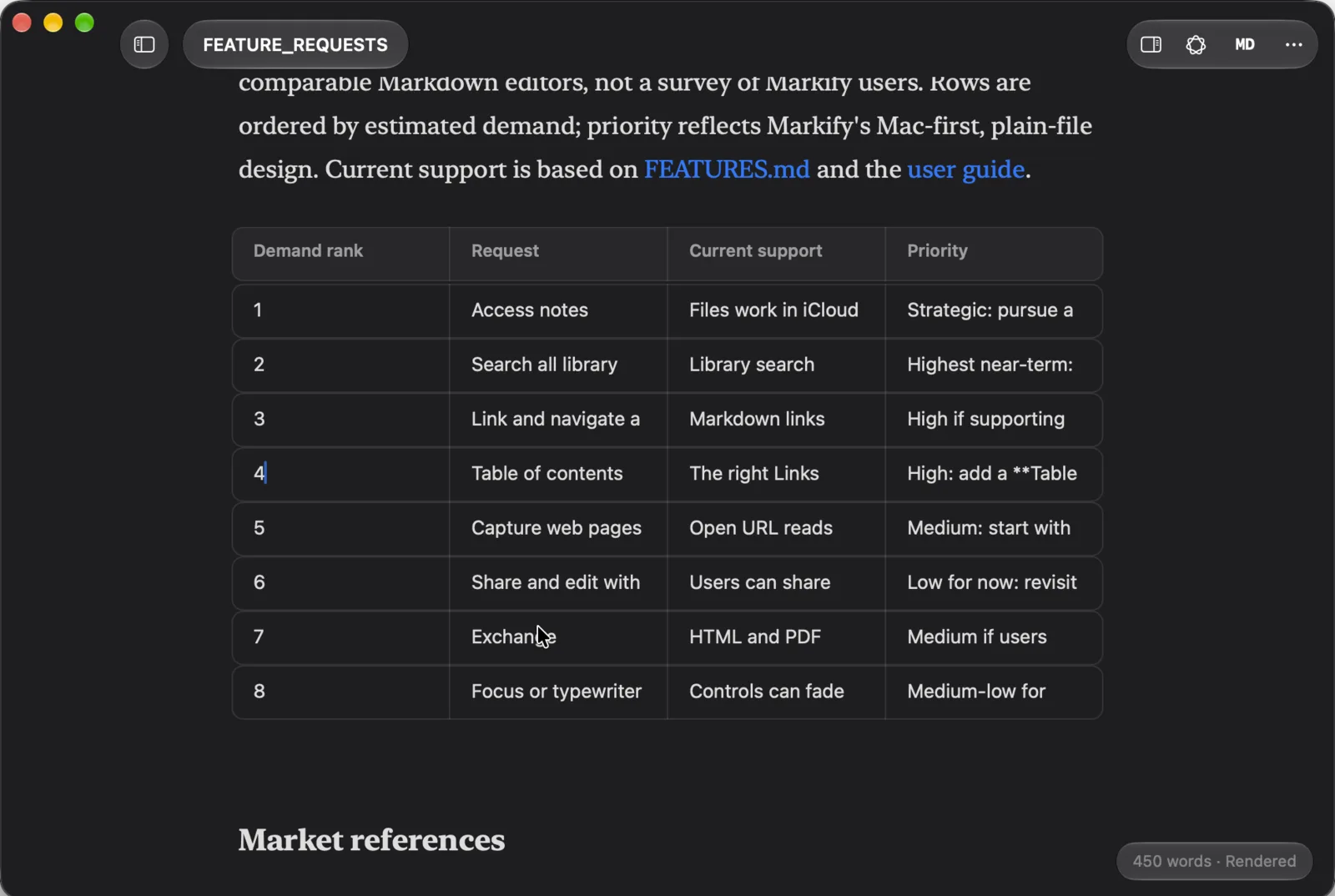
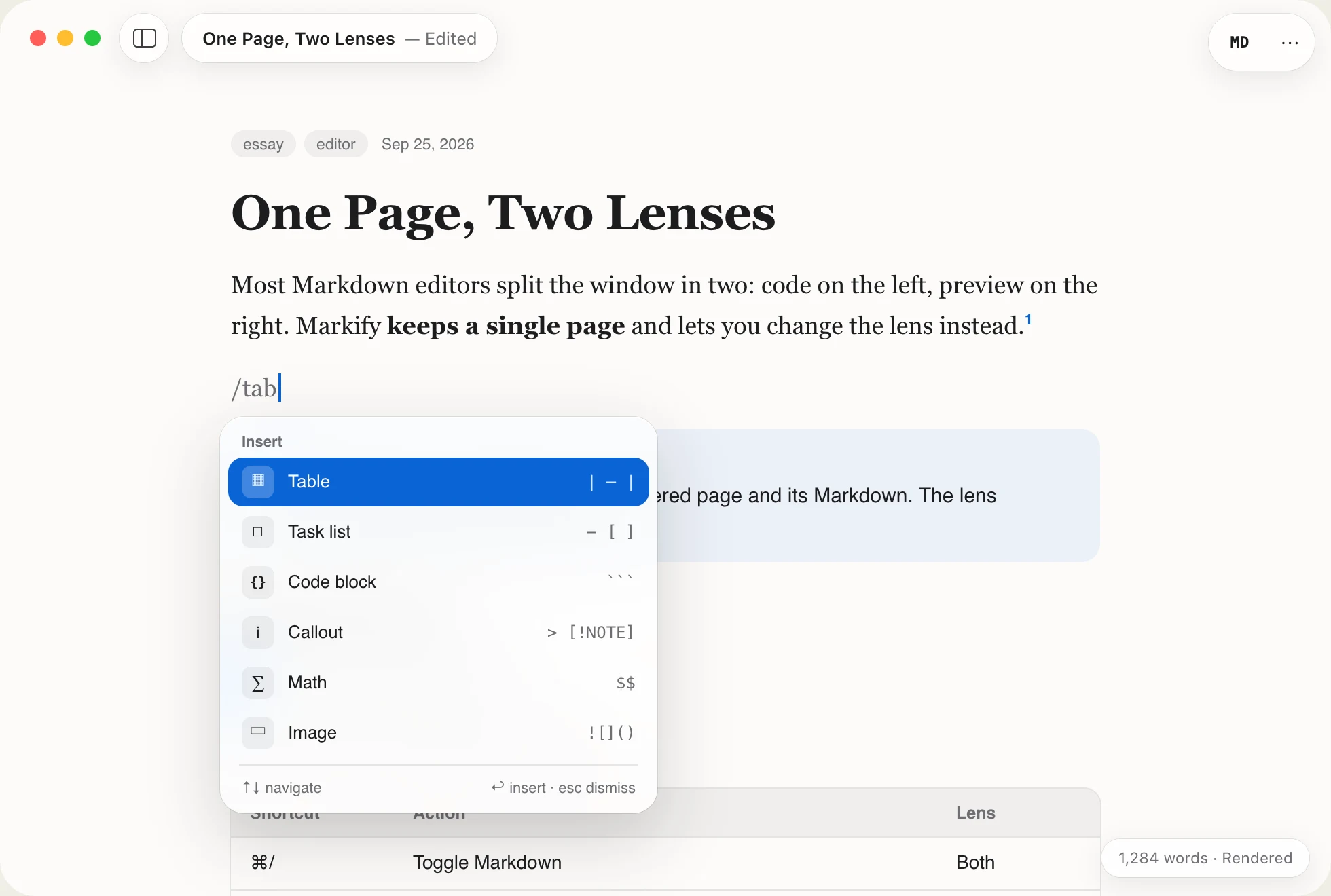
/ to insert anythingTables, tasks, code, callouts, math, diagrams, footnotes. Each row shows its Markdown, so you learn as you go.
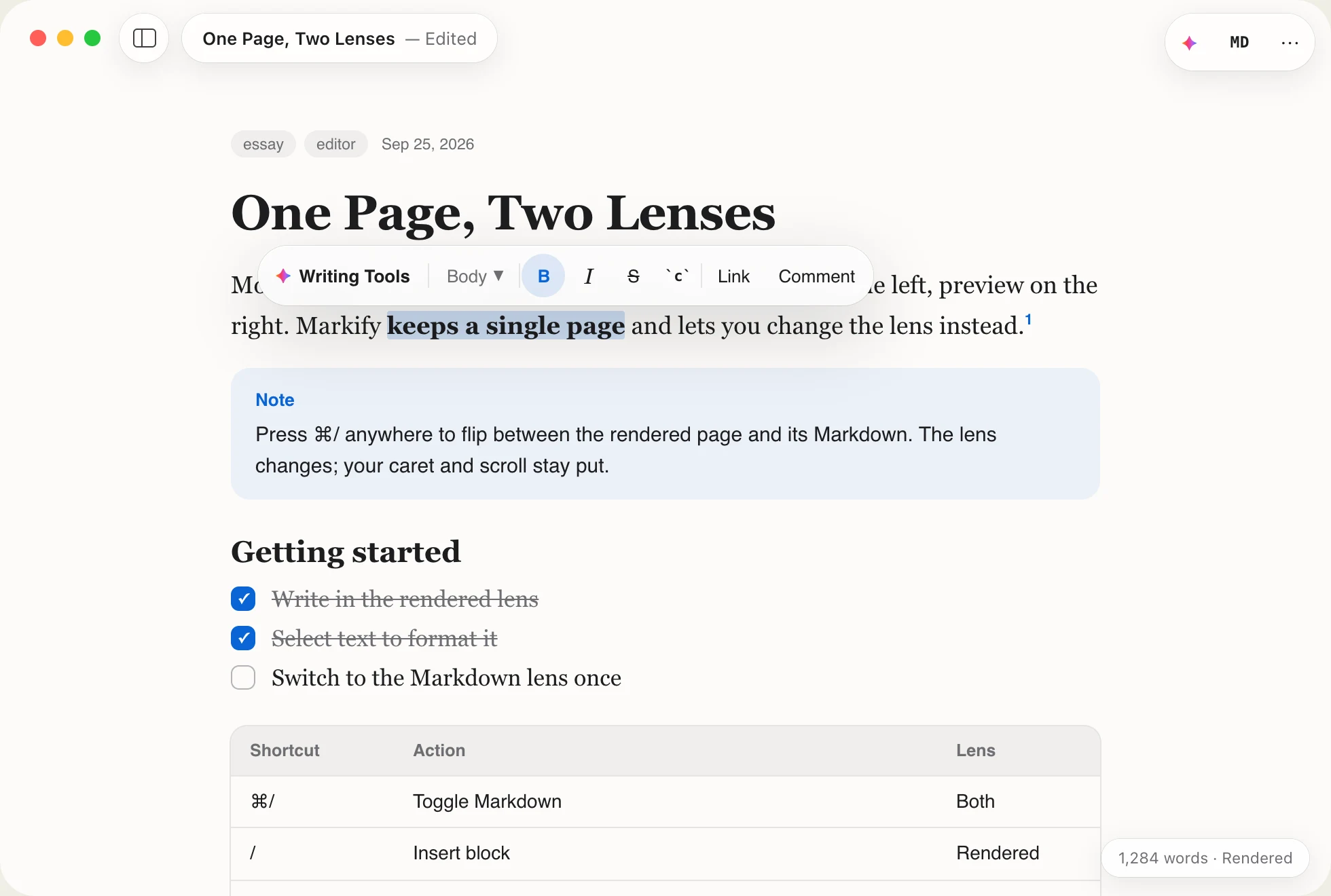
Select text and it floats in. Type and it’s gone.
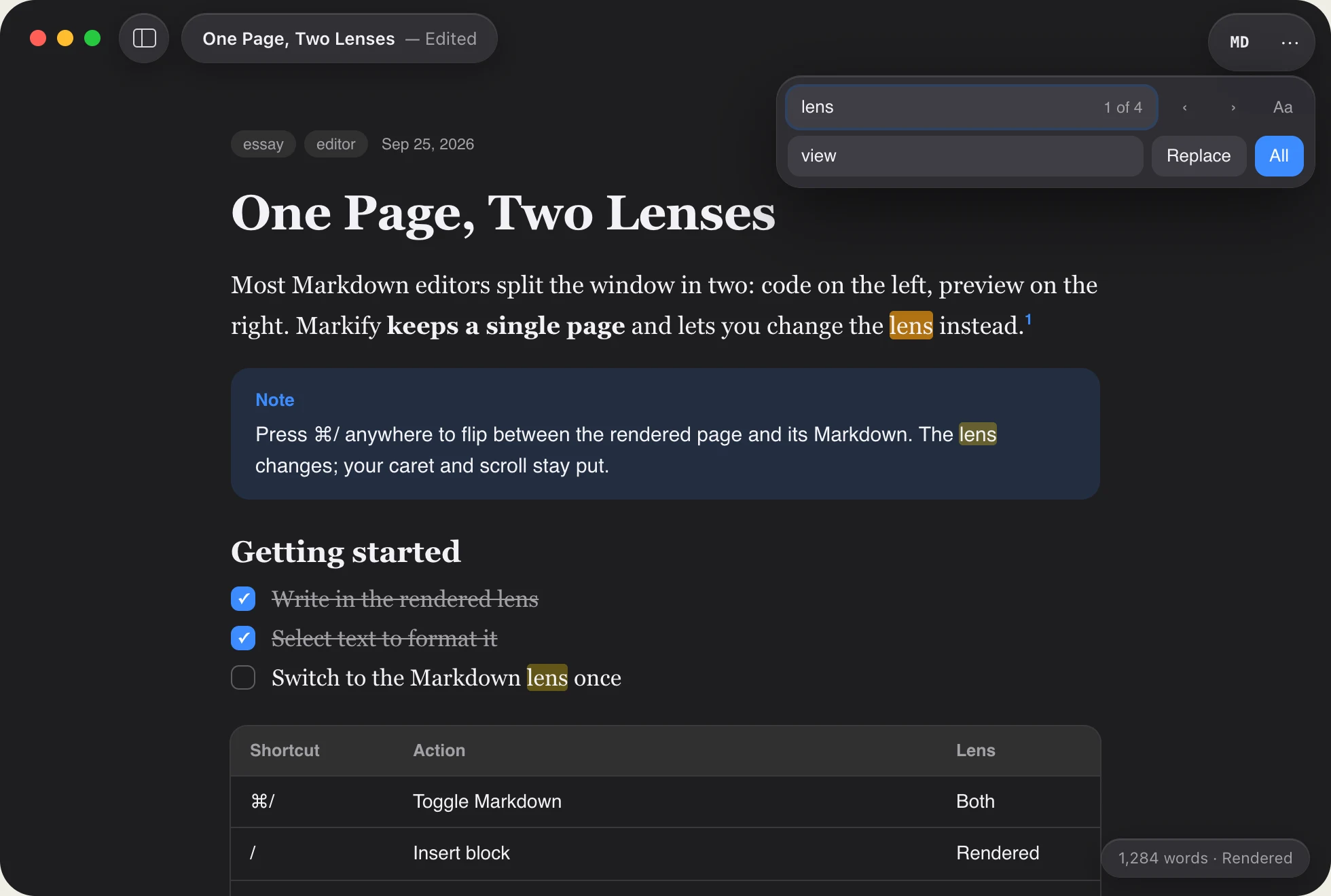
Search matches the text you see and skips the syntax.
The chrome leaves on your first keystroke.
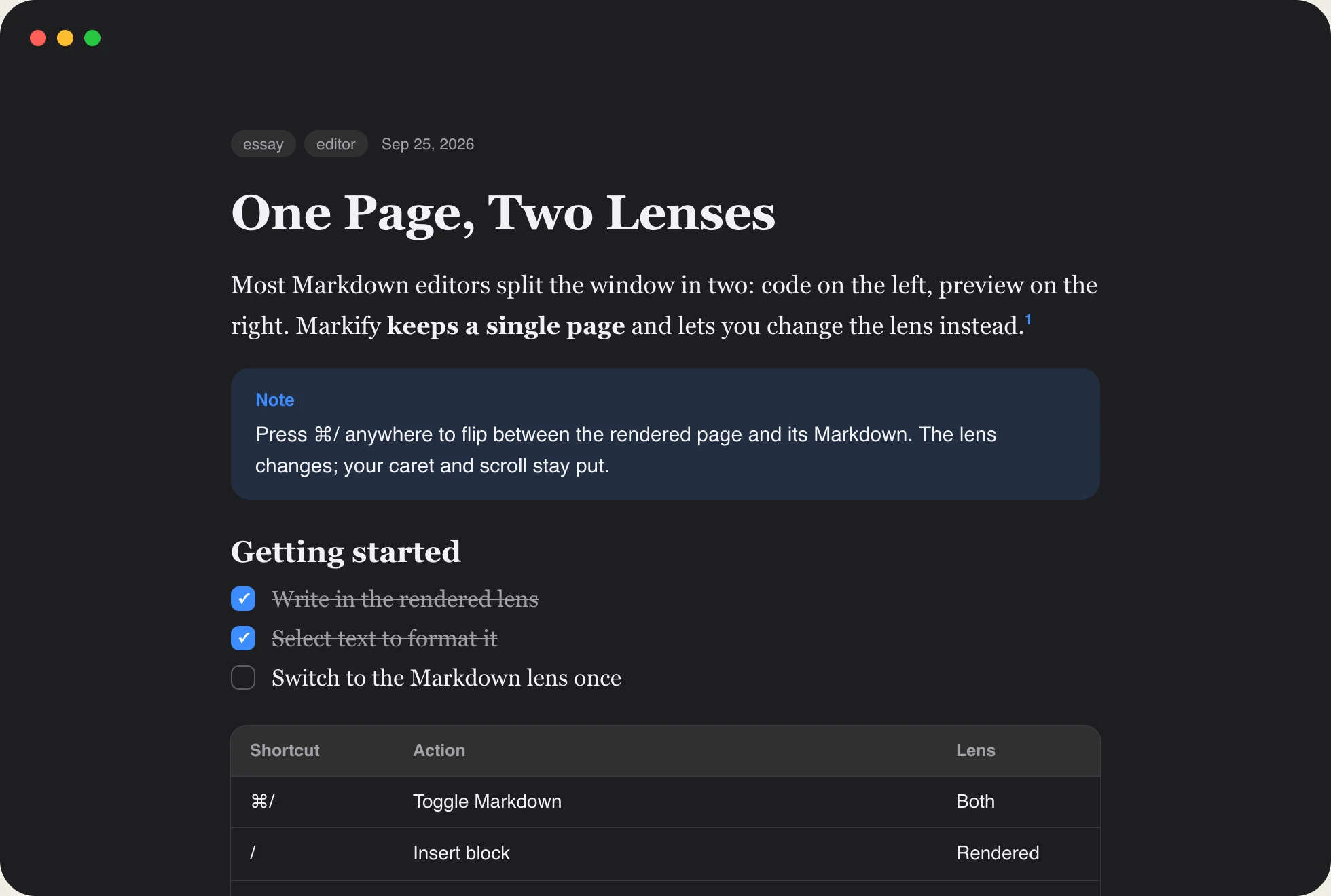
Rendered in place
CommonMark and GitHub Flavored Markdown, plus math, diagrams, footnotes, callouts and frontmatter. Click a task to tick it; the file updates too.
Edit cells in place; Tab to the next one.
| Goal | Owner |Click a checkbox. The Markdown follows.
- [x] Outline the essayGitHub notes, tips and warnings, as real blocks.
> [!TIP]Inline and display LaTeX, typeset as you write.
$$ e^{i\pi}+1=0 $$Flowcharts and sequences, rendered offline.
```mermaid graph LRFenced code with syntax colors in your font.
// Lens.swift
enum Lens { case rendered, raw }
let key = "⌘/"
Apple Intelligence
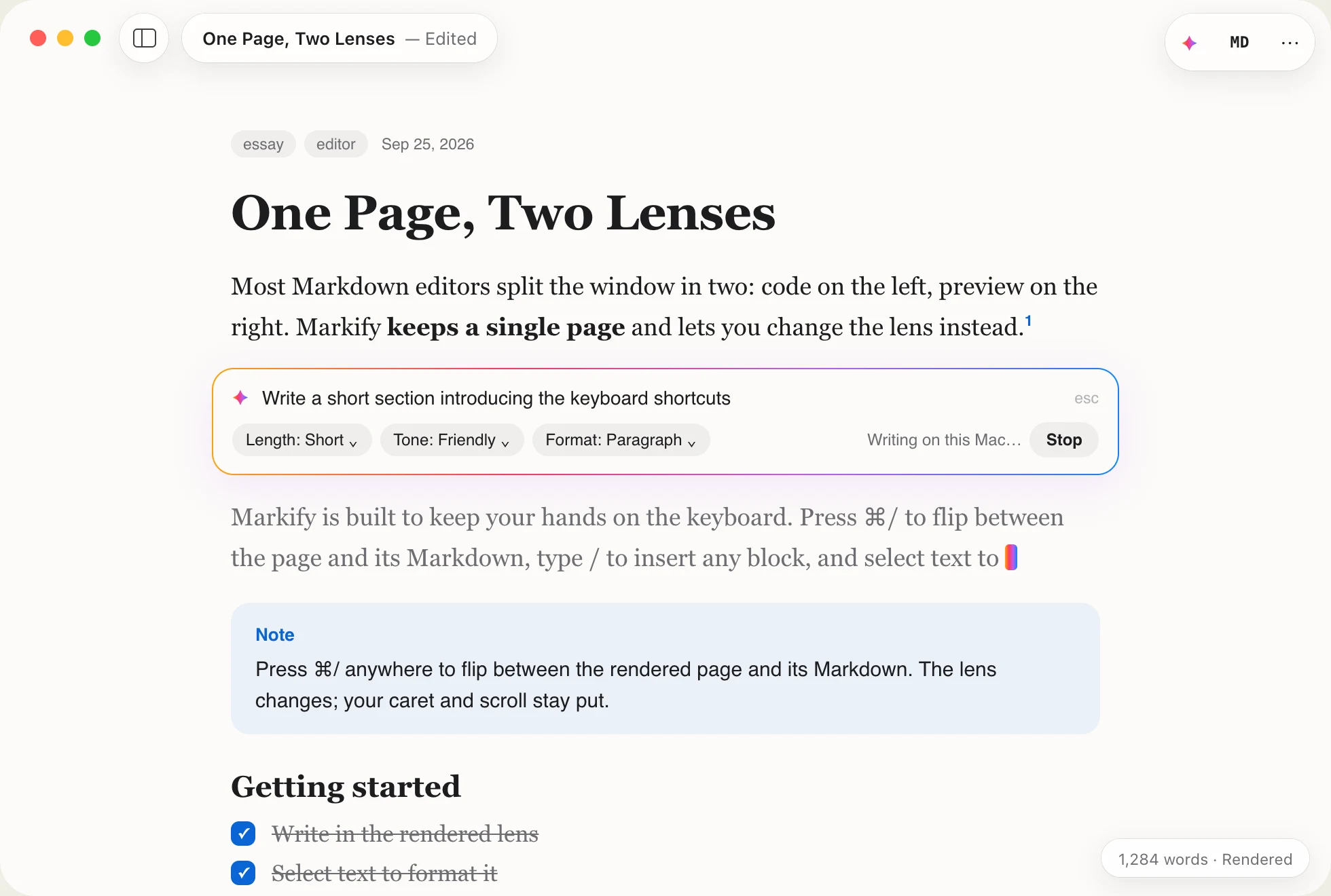
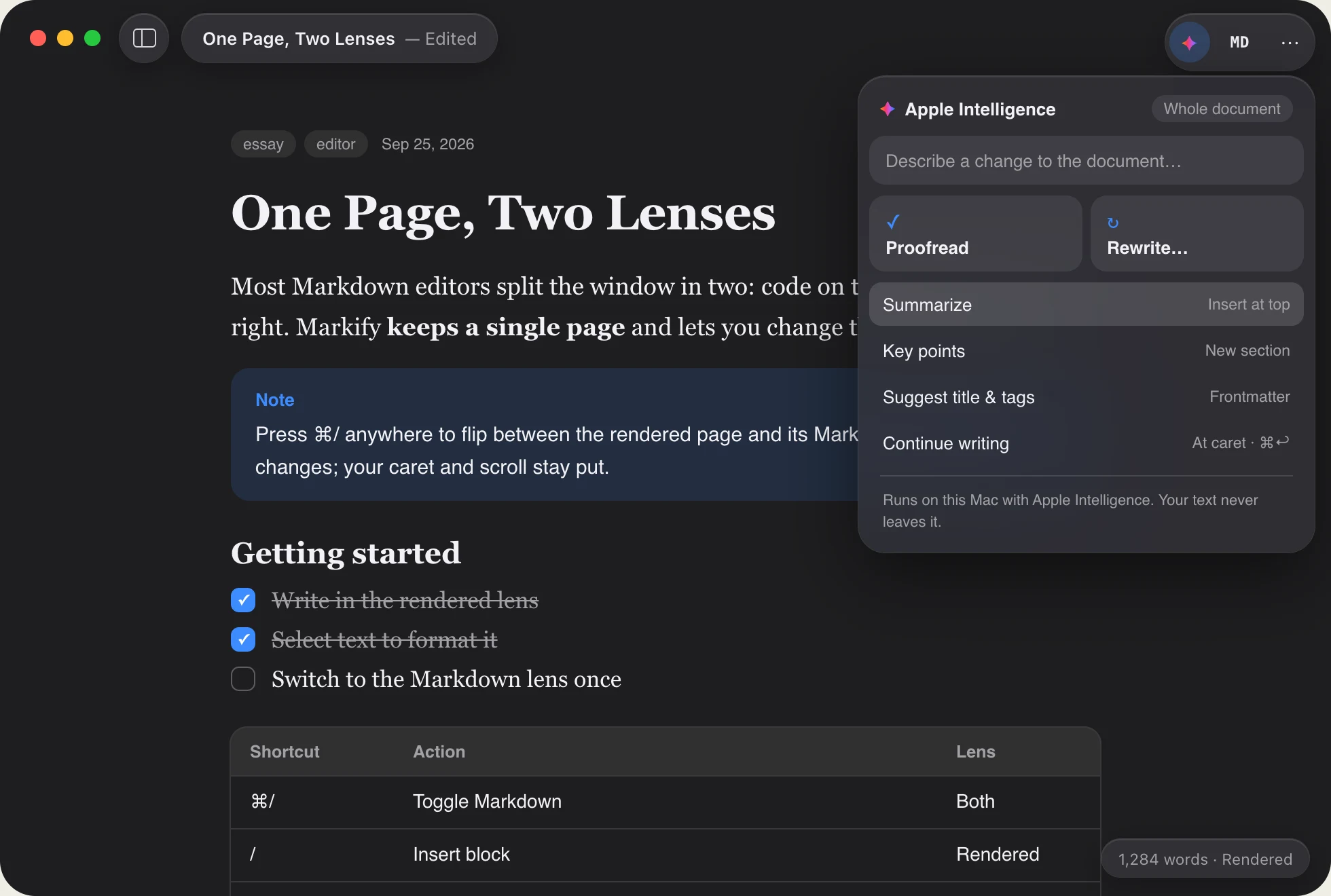
Proofread, rewrite and generate with the on-device model. Nothing is sent to an AI service, and every change is one undo away.
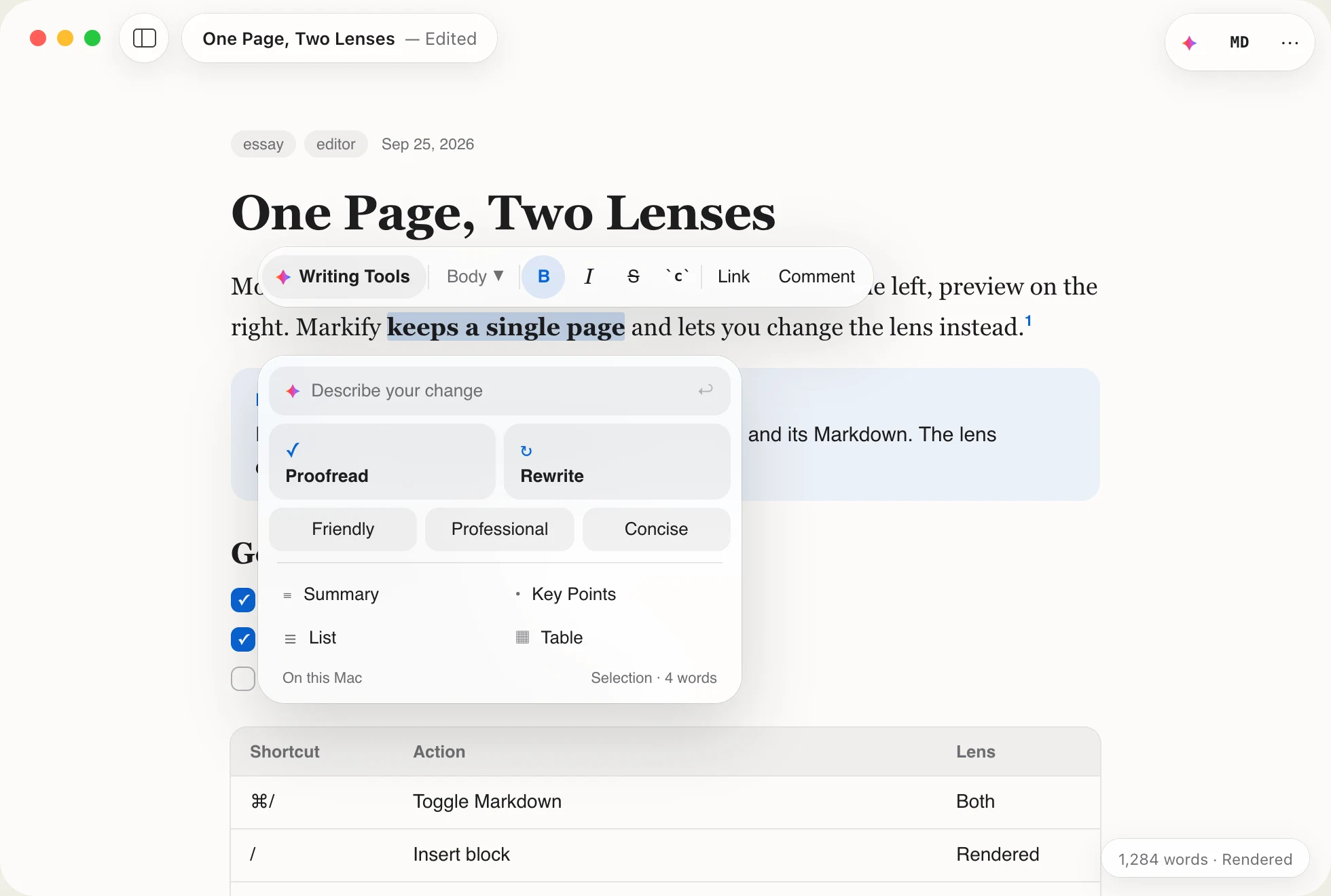
System Writing Tools and the Foundation Models framework. No cloud extensions, no accounts.
AI edits are shown with a colored edge and aren’t kept until you say so. Compare, try again or revert.
In the Markdown lens, Rewrite and Proofread change only your words and leave the syntax alone.
How it compares
Live rendering like Typora and Obsidian. Plain files like iA Writer. A native Mac app like Bear. And a few things you won’t find together anywhere else.
.md fileNative, with no import and no databaseQuestions
Yes, including for work. The source is on GitHub under MIT with the Commons Clause, which only restricts selling Markify itself or a product built substantially on it. Sponsorships keep new releases coming.
Any Mac with macOS 15.6 Sequoia or later, with Apple silicon or an Intel processor. The download button picks the right build for this Mac; the other one is always a click away. Apple Intelligence features need a supported Mac with Apple Intelligence turned on. System Writing Tools work on macOS 15.6; custom generation and link summaries require macOS 26 or later.
No. Both lenses show the same text, so switching is a restyle, not a conversion. Markify writes back exactly what you typed, and other apps, Git and your site generator read the same file.
Yes. Press ⇧⌘F to search full Markdown note contents with Apple Spotlight. Scope results to your Library, a subfolder, a granted project or a knowledge bundle; exact matches open at their source location. Library search guide.
Your documents stay in the files you choose. Apple Intelligence runs on device. Markify checks for updates, can load remote images if you allow it, and sends crash reports without document text. The privacy page lists every request.
For now, yes: Markify isn’t notarized yet. The first time you open it, click Done, then choose Open Anyway in System Settings › Privacy & Security. The install guide shows each step.

Free, with the source on GitHub.
Have an Intel Mac? Download for Intel · Release notes · All releases
Requires macOS 15.6 Sequoia. Updates install from inside the app.
Support
Markify is independent. If it has earned a place in your workflow, a sponsorship keeps new releases coming, and a star helps other people find it.